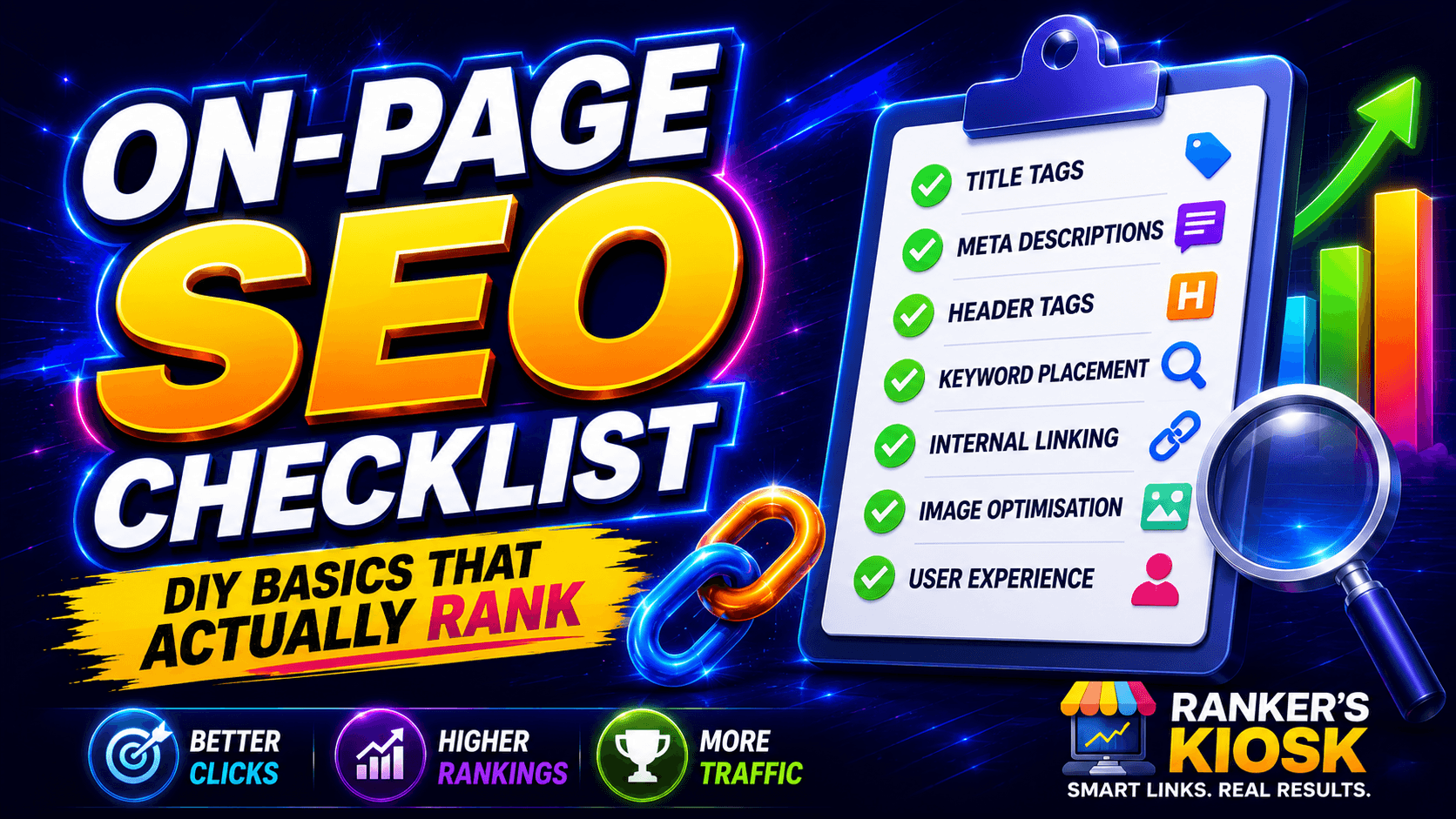

You’ve published pages. They’re indexed. And they’re still not ranking for anything you care about.
Nine times out of ten the problem isn’t your content quality — it’s that Google can’t tell what your page is actually about. On-page SEO fixes that. It’s the cheapest, fastest, most controllable ranking work available, and it’s the one thing you can finish this week without spending a dollar.
This on-page SEO checklist is built to be worked through, not just read. Open one of your pages alongside it and fix as you go.
What on-page SEO actually is
On-page SEO is every signal you control on the page itself: the title, the headings, the copy, the URL, the images, the internal links. It’s distinct from off-page SEO (backlinks, mentions, reputation) and technical SEO (site speed, crawlability, structured data), though the three overlap constantly.
Think of it this way — on-page SEO tells Google what your page is about. Off-page SEO tells Google whether your page deserves to be trusted. You need both, but on-page is the half you can fix yourself, today, for free.
It’s also the half most sites get wrong. Ahrefs’ audit of millions of sites found 59.5% have missing H1 tags, 51.3% have multiple H1s, and 80.4% have missing alt attributes (Ahrefs). These aren’t exotic problems. They’re free wins sitting untouched.
The on-page SEO checklist
Work through these in order for each important page on your site.
1. Title tags
The title tag is the clickable headline in search results and the strongest single on-page relevance signal you control.
- One unique title per page. Duplicated titles across pages confuse Google about which to rank.
- Primary keyword near the front. “Emergency Plumber Dallas | 24/7 Callouts” beats “Welcome to Our Site — We Offer Plumbing.”
- Keep it roughly 50–60 characters. Google is 57% more likely to rewrite title tags that are too long (Ahrefs).
- Write for the click, not just the crawler. A title that wins the click outperforms a title that’s merely keyword-perfect.
Reality check: Google rewrites title tags 33.4% of the time (Ahrefs), and when it ignores yours it falls back to your H1 50.76% of the time. So your H1 needs to be good too — Google may be the one choosing it.
2. Meta descriptions
Meta descriptions aren’t a direct ranking factor. They’re a click-through factor, which amounts to the same thing in practice.
- 150–155 characters, so it doesn’t truncate. 40.61% of pages have meta descriptions that truncate (Ahrefs) — don’t join them.
- Include the keyword, because Google bolds matching terms in the snippet.
- Make it a pitch. State the benefit and give a reason to click.
- Write one for every page. 25.02% of top-ranking pages have no meta description at all (Ahrefs), which is a gap you can exploit.
Worth knowing: Google shows your meta description only 37.22% of the time (Ahrefs) and rewrites it the rest. That’s not a reason to skip it — it’s a reason not to agonize over it for an hour.
3. Headings (H1–H3)
Headings give your page a structure both readers and crawlers can follow.
- Exactly one H1, containing the page’s primary topic.
- H2s for main sections, H3s for subsections underneath them. Don’t skip levels for styling reasons.
- Work secondary keywords into H2s naturally. If people search “how much does X cost,” make that an H2.
- Front-load the answer. The first sentence under each heading should answer the heading. This helps readers, and it’s exactly what AI search engines extract when they quote you.
4. Keyword placement and search intent
Placement matters less than it used to. Intent matters far more.
- Primary keyword in: H1, first 100 words, at least one H2, the URL, and the title tag.
- Then stop. There’s no keyword density target. Stuffing reads badly and Google treats it as a spam signal (Google Search Central).
- Match the intent of the SERP. Search your target keyword and look at what’s ranking. All product pages? Google thinks the query is transactional — a blog post won’t rank. All guides? Don’t send a product page.
- Use natural variations. Google understands synonyms and related concepts. Write like a human explaining the topic and the variations happen on their own.
5. URL structure
- Short, readable, descriptive:
/on-page-seo-checklist/not/blog/?p=8842. - Hyphens between words, lowercase, no underscores or spaces.
- Include the keyword once. Don’t repeat it across folders.
- Don’t change URLs casually. If you must, 301 redirect the old URL to the new one or you lose everything that page had earned.
6. Internal linking
This is the most underrated item on this list and the easiest to act on.
- Link from strong pages to the pages you want to rank. Internal links pass authority around your site.
- Use descriptive anchor text. Zyppy’s study found pages with at least one exact-match internal anchor had five times more traffic than pages without (Zyppy).
- Fix orphan pages. 66.2% of sites have a page with only one incoming internal link (Ahrefs). Pages with no internal links pointing at them are effectively invisible.
- Link contextually, in the body copy — not just from the nav or footer.
New to all this? Start with our new website SEO guide for the full foundation, then come back here to optimize page by page.
Fixing internal linking across a whole site by hand is the point most people quit — if you’ve got more than a dozen pages, have your internal link structure built for you and move on to the work that needs your judgment.
7. Image alt text
- Describe the image, factually, as you’d describe it to someone who can’t see it.
- Include the keyword only if it genuinely fits. “Plumber repairing a burst pipe under a kitchen sink” is good alt text. “plumber dallas plumber best plumber” is spam.
- Compress your images. 72.3% of sites have slow pages (Ahrefs), and unoptimized images are the usual culprit.
- Give files sensible names before upload:
burst-pipe-repair.jpg, notIMG_4471.jpg.
8. Content quality and depth
- Cover the topic completely, not to a word count. The average top-ranking page also ranks in the top 10 for nearly 1,000 other keywords (Ahrefs) — that only happens when a page genuinely covers its subject.
- Answer the actual question fast. Lead with the answer, then expand.
- Add what only you can add: real prices, real process, real photos, real experience. This is the practical version of Google’s helpful content guidance.
- Update it. Content decays. A page refreshed annually holds rankings a page published once does not.
Common on-page mistakes that quietly kill rankings
These don’t throw errors. They just cap your ceiling.
- Duplicate title tags across similar pages — Google picks one and buries the rest.
- Keyword cannibalization — two pages targeting the same keyword split their own authority. One topic, one page.
- Optimizing for volume, ignoring intent — the single most common reason a well-written page never ranks.
- Homepage-only optimization — every page is an entry point, not just the front door.
- Thin service pages — 150 words and a contact form won’t outrank a competitor’s 1,200-word page.
- Broken internal links and redirect chains — 62.7% of sites have pages linking to redirects (Ahrefs), leaking authority at every hop.
- Never revisiting — on-page SEO is not a one-time task.
When to stop DIY-ing and get it done for you
Here’s the honest math. The checklist above takes roughly 30–45 minutes per page once you’re comfortable with it. On a ten-page brochure site, that’s a productive afternoon and absolutely worth doing yourself.
On a fifty-page site, it’s a full working week — and then it’s a recurring commitment, because pages get added, content ages, and competitors keep improving. Most site owners get through their homepage and two service pages, hit the tedium, and stop. The half-optimized site that results often performs no better than the unoptimized one.
If that sounds familiar, hand it over. Our SEO packages include full on-page optimization across your site — titles, meta descriptions, heading structure, internal linking, image optimization, and the technical cleanup that goes with it — done once, done properly, done in days rather than months.
Get your on-page SEO done for you if you’d rather skip the page-by-page grind entirely, or start with a full-site SEO audit and fix if you want to know exactly what’s broken before you commit.
And once your on-page is clean, the ceiling moves to authority. On-page SEO tells Google what your page is about; backlinks tell Google whether to believe it. That’s the next step — here’s how to build backlinks safely, and our guest posting service handles it for you when you’re ready to scale. Add authority links to your optimized pages and the on-page work you just did starts pulling its weight.
Frequently Asked Questions
What is on-page SEO?
On-page SEO is the practice of optimizing elements on your own web pages — title tags, headings, content, URLs, internal links, and images — so search engines understand what each page is about and rank it for the right queries. It’s distinct from off-page SEO (backlinks and mentions) and technical SEO (speed and crawlability).
How do I do on-page SEO step by step?
Work through the eight-item checklist above per page: write a unique title tag, write a meta description, set one clear H1 with logical H2s, place your keyword naturally in the key positions, clean up the URL, add contextual internal links, write descriptive alt text, and make sure the content genuinely covers the topic. Repeat for every page that matters.
What’s the difference between on-page and off-page SEO?
On-page SEO covers everything you control on your own site. Off-page SEO covers signals from elsewhere — primarily backlinks, brand mentions, and citations. You need both: on-page establishes relevance, off-page establishes authority. A perfectly optimized page with no backlinks usually can’t beat a mediocre page on a trusted domain.
How do I do on-page SEO in WordPress?
Install an SEO plugin (Rank Math or Yoast) to control title tags and meta descriptions per page. Use the block editor’s heading levels properly rather than styling text to look like headings. Add alt text in the media library. Link between posts and pages in the body copy. The plugin surfaces the fields — this checklist tells you what to put in them.
Why is on-page SEO important if content is what really matters?
Because on-page SEO is how Google knows your content is relevant to a query. Great content with no title tag, no headings, and no internal links is a great page Google can’t categorize. On-page SEO is the packaging that lets the content compete.
How often should I redo my on-page SEO?
Audit your key pages every six to twelve months, and any time rankings drop or you significantly change the page. Search intent shifts, competitors improve, and Google’s snippet behavior changes — a title that worked two years ago may not be the one winning the click now.